
Botanical Project Studio
Make pressed-flower paper, dried arrangements, lavender sachets, botanical colour samples and practical laundry kits. Start with a material or choose a project to build your checklist and step-by-step plan.
Choose your batch size, mark supplies already on hand, and follow the completion checks. Save your plan on this device or print a copy for the worktable.
2. Pick a matching project
Choose a card to open its full workflow. The material list includes the additions needed to complete it.
No projects match these filters. Choose another material, use or time budget.
Pressed botanical paper
1 item · Bookmark
Pressing and glue drying are separate from hands-on time.
Prepare your materials
Edit each planned amount and tick “On hand” when you have enough. Recommendations update to match the supplies still needed.
Make the project
0 of 5 steps complete
Botanicals feel dry and papery; glue has dried and loose edges are attached.
Use or gift itMake a bookmark, greeting card or labelled botanical journal page.
Finish your materials kit
These Amazon picks match the current checklist. Mark a supply “On hand” to remove it from this list.
Pocket flower press kit
Prepare flower press for this project.
View on Amazon →Micro-tip garden snips
Prepare small snips for this project.
View on Amazon →Your checklist is ready. Prepare any remaining items listed above.
Keep the full instructions close
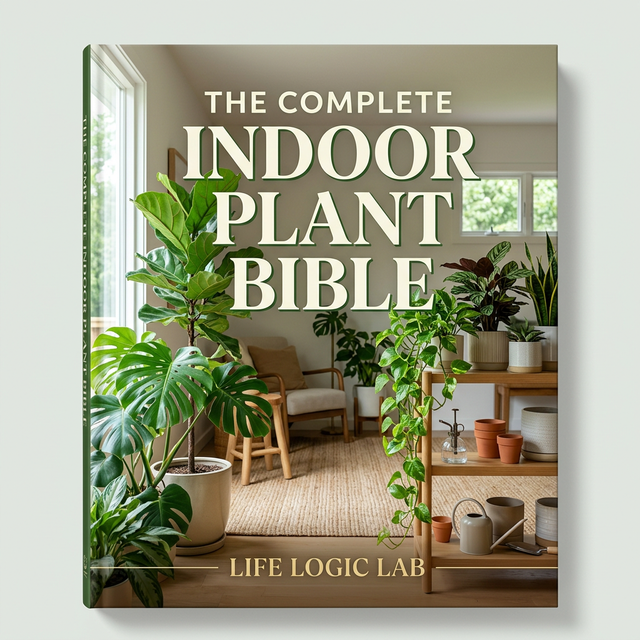
Choose a practical booklet to take the project from materials to a finished piece, with a format you can keep beside your worktable.
Project notes & FAQ
How does material matching work?
Each material opens its compatible project list. Your finished use and hands-on time narrow those choices. Choose a project directly to see every required addition.
How are natural and fibre-reactive dyes handled?
The onion-skin sampler uses collected plant material. The fibre-reactive sampler has its own project and measured product recipe. Select the fibre-reactive starting material or choose that project directly to open it.
How do saved plans work?
Save stores one current plan in this browser on this device, including edited amounts, on-hand supplies and checked steps. Restore brings it back. Copy and print provide a separate copy for your project folder.